CutKaro
Turn long videos into shareable highlights
Paste a YouTube link, mark your best moments, and download polished clips in minutes.
Built for speed
Everything you need to cut faster
Paste any YouTube URL
Start from the source video without uploads or complicated setup.
Choose your quality
Export highlights in 360p, 720p, or crisp 1080p.
Mark multiple moments
Add start and end timestamps for every clip in one workspace.
Download in one batch
Get your finished highlights together in a convenient ZIP file.
Your clipping workspace
One dashboard. Every highlight.
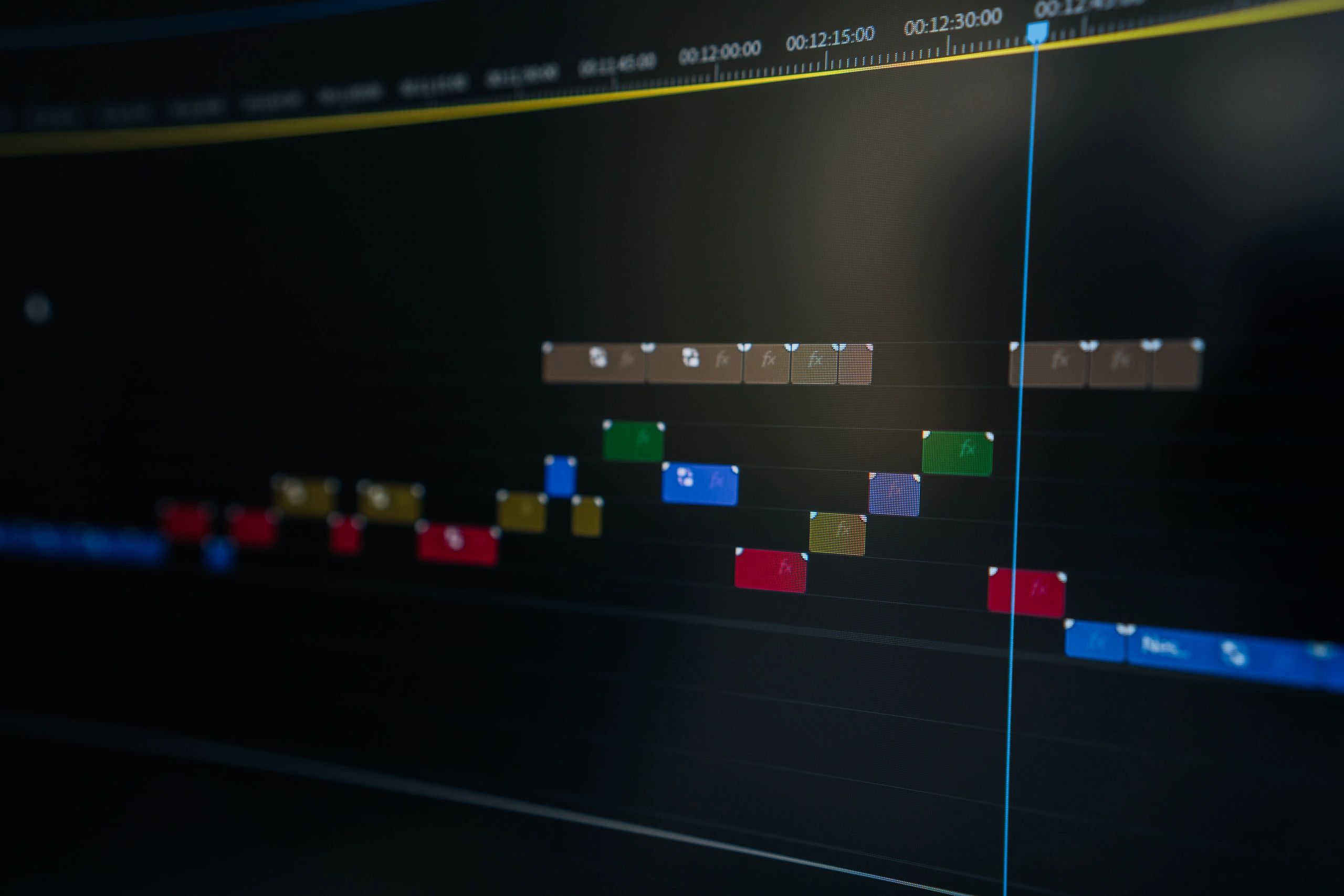
CutKaro keeps your source, quality settings, timestamps, and downloads in a focused workflow built for creators.
Full video download
Save the complete source when you need it.
Batch-ready exports
Process multiple highlights without repeating the same steps.
Create clips in four steps
A simple, repeatable workflow for turning long-form YouTube videos into ready-to-share moments.
01
Paste your link
Add the YouTube video URL you want to work from.
02
Set quality
Choose the resolution that fits your channel and platform.
“CutKaro makes batch clipping feel effortless.”
03
Mark your moments
Add precise start and end timestamps for each highlight.
04
Download your ZIP
Process your cuts and collect every finished clip in one download.
Ready when you are
Make every moment count
Turn your next long video into a batch of downloadable highlights with CutKaro.